
Finding Your Courses and Tracking Progress
When you log in, you will see your Dashboard.
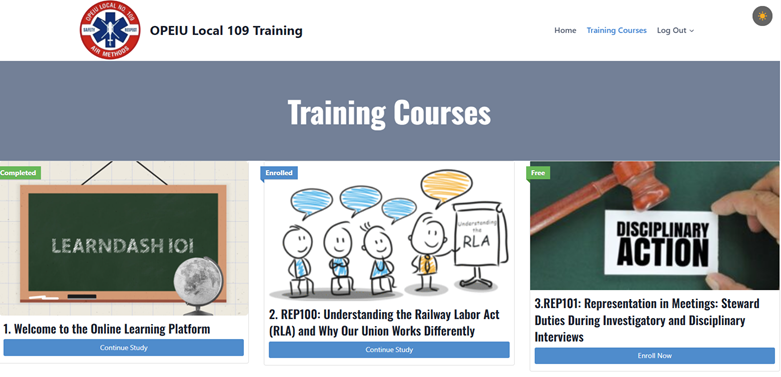
This is where you can find:
- Courses you are enrolled in
- Courses you have already completed
- Your progress in each course
Click on a course title to open it. Inside the course, you will see a list of lessons and topics.
You can leave a course at any time. When you return, the system will remember your progress so you can continue where you left off.
If you ever feel lost, return to your Dashboard to find your courses again.